Remolo free and Pro: what you get and what it costs
Remolo is a remote desktop app for the Mac, made for touch on iPhone and iPad, and it is free for one Mac: full control at home and 10 minutes a day from any network, with no ads. Remolo Pro is $3.99 a month or $19.99 a year (the yearly plan starts with 7 free days) and adds unlimited access from anywhere, desktops, files and clipboard, your Mac in the Files app, several Macs, up to 3 phones, Face ID unlock, picture in picture and the window manager.
Updated
Prices in US dollars; the App Store shows the price in your currency. The 7 free days come with the yearly plan only. No Family Sharing and no one-time purchase.
| Feature | Free | Pro |
|---|---|---|
| Full screen on its side and direct touch: tap to click, slide to scroll, hold to drag | ✓ | ✓ |
| The Mac’s context menu and app menus as big rows | ✓ | ✓ |
| Up to 60 fps and the Mac’s sound on the phone | ✓ | ✓ |
| Two-finger zoom, the zoom strip and the screen map | ✓ | ✓ |
| Watch only: the picture, no control | ✓ | ✓ |
| Several Mac monitors | ✓ | ✓ |
| Your iPhone or iPad as a second Mac screen (needs Remolo Helper 1.4) New in 1.4 | ✓ | ✓ |
| Switching the Mac’s desktops | — | ✓ |
| On top: picture in picture | — | ✓ |
| Economy on a weak link; picture quality: Smooth, Balance, Sharp | ✓ | ✓ |
| iPad: on its side, full screen; upright, the screen above a big trackpad | ✓ | ✓ |
| Trackpad and cursor: click, scrolling with momentum, right click, zoom, drag; the taller view; One hand | ✓ | ✓ |
| Three- and four-finger gestures (as on your Mac) and 11 custom gestures | — | ✓ |
| Keyboard in any language, dictation; the key row: ⌘⌥⌃⇧, arrows, Esc, F1–F12 | ✓ | ✓ |
| The shortcut row: undo, copy, paste, find, tabs, windows | — | ✓ |
| Text as a block | — | ✓ |
| The Mac’s Dock in ⌘Tab order with badges; an app’s windows and recent files; search any app | ✓ | ✓ |
| A window by its title bar: a half, fill, centre, onto another screen | ✓ | ✓ |
| Window manager in the Dock: halves, quarters, “Side by side with…”, grid | — | ✓ |
| Hide the Mac’s own Dock while a phone drives it | ✓ | ✓ |
| Macs | 1 | several, each with its last screen, one tap to switch |
| Phones on one Mac at once (one controls, the others watch) | 1 | up to 3 |
| Pairing with a QR code or 6 digits, no account | ✓ | ✓ |
| Add a Mac with a one-time link when it is not nearby | ✓ | ✓ |
| From any network: a direct line even over cellular | 10 minutes a day | unlimited |
| “Why?”: Remolo tells you why the Mac doesn’t answer | ✓ | ✓ |
| Lock, sleep, disconnect | this Mac | any Mac |
| Unlock the Mac with Face ID | — | ✓ |
| Guest access: a one-time link for an hour, a day or 7 days (the guest needs no Pro) | — | ✓ |
| Files between the Mac and iPhone, both ways | — | ✓ |
| Your Mac in the Files app | — | ✓ |
| “Send to Mac” from the Share sheet | links | links, files, text |
| Shared clipboard | — | ✓ |
| Hide the Mac’s screen: the curtain with the Remolo logo | ✓ | ✓ |
| Your own curtain: black, a photo or a video | — | ✓ |
| Media: pause, ±10 s, volume, speed, subtitles, player keys, cover | ✓ | ✓ |
| Scrubbing the progress bar | — | ✓ |
| Sleep timer | — | ✓ |
| Buttons | 6, 1 profile | unlimited, in pages |
| Icons: symbol, app, emoji | ✓ | ✓ |
| Photos and GIFs on buttons | — | ✓ |
| Profiles and switching by app | — | ✓ |
| Ready-made profiles: Figma, Photoshop, Final Cut Pro, a browser, VS Code, Finder, Spotify and more | — | ✓ |
| Chains, Shortcuts, AppleScript, Shell | — | ✓ |
| Button editor on the Mac | ✓ | ✓ |
| Recording chains on the Mac | — | ✓ |
| Terminal: your zsh on the Mac, up to four windows | — | ✓ |
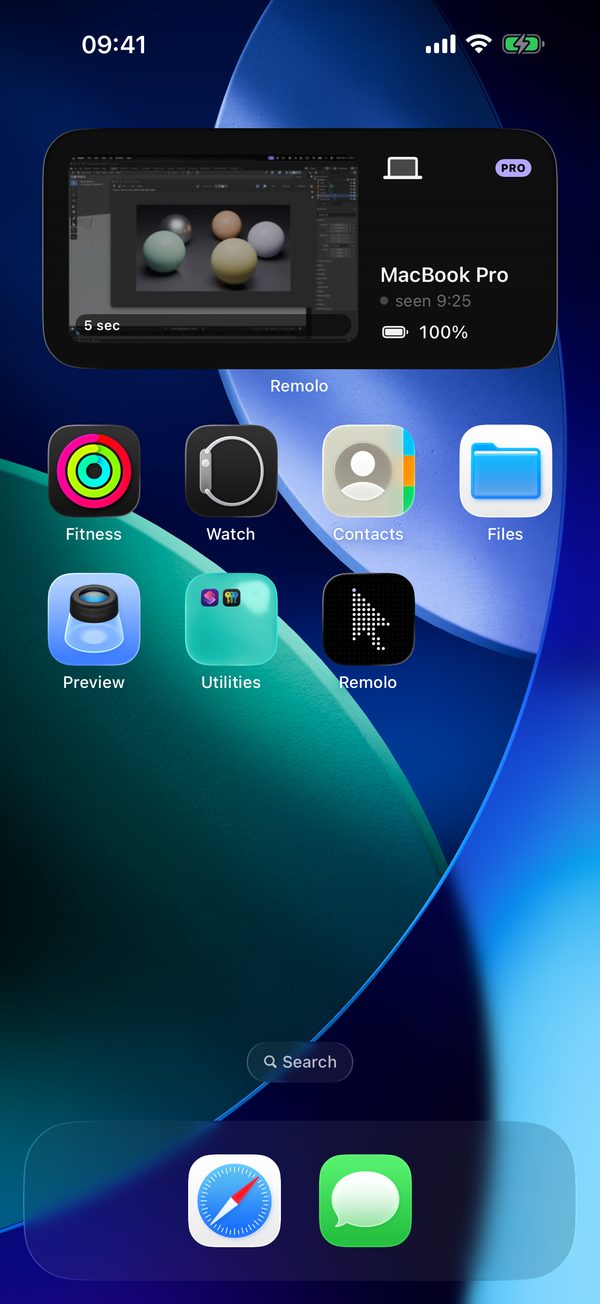
| Widgets (buttons, Now Playing, Mac status), Control Center, Action button | — | ✓ |
| Siri and Shortcuts | — | ✓ |
| App icons | — | ✓ |
| Light and dark theme | ✓ | ✓ |
| 5 languages: Ukrainian, English, German, French, Spanish | ✓ | ✓ |
| VoiceOver and larger text | ✓ | ✓ |
| iPad — the same purchase | ✓ | ✓ |
| “Something wrong?”: report a bug and earn Pro as a reward | ✓ | ✓ |
| Ads | never | never |
No nagging pop-ups
Remolo never shows a purchase screen at launch. Once, after your first connection, it shows what Pro offers, and “Stay free for now” closes it. After that an offer appears when you tap a Pro feature.
Cancel any time: iPhone Settings → your name → Subscriptions, or Remolo settings → Remolo Pro.
Questions
What is free in Remolo?
For one Mac: full control at home — full screen by touch, trackpad, keyboard, Dock, media, up to 60 fps with sound, Watch only, the second screen — and 10 minutes a day from any network. One phone on the Mac at a time, 6 buttons. No ads.
How much is Remolo Pro?
Pro is $3.99 a month or $19.99 a year (US dollars; the App Store shows the price in your currency). The yearly plan starts with 7 free days. One purchase covers iPhone and iPad.
Is there a free trial?
Yes: the yearly plan starts with 7 free days through the App Store. You are charged after the week unless you cancel at least 24 hours before it ends. The monthly plan has no trial.
Will I see purchase pop-ups?
Never at launch. Once, after your first connection, Remolo shows what Pro offers, and “Stay free for now” closes it. After that an offer appears when you tap a Pro feature.
Can I buy Pro for life?
No, there is no one-time purchase: only a monthly or yearly subscription. Access from anywhere runs through the Remolo relay, and that costs money every month.
What does the free version give over the internet?
10 minutes a day from any network: the screen, sound, trackpad and buttons, as at home. The Mac itself counts them, for all your phones without Pro together, and gently ends the session when they run out. At home, on the same network, nothing is counted.
How do I cancel?
Any time: iPhone Settings → your name → Subscriptions, or Remolo settings → Remolo Pro.
What happens when Pro ends?
The free version stays. Your buttons and profiles do not go anywhere, and Pro features open again as soon as you get Pro.
Can I share with family?
No: Family Sharing is off for Remolo Pro subscriptions. Each Apple ID needs its own.
Pro is missing on my new phone
Open any Pro feature and tap “Restore purchases” at the bottom.
Can I get Pro for finding a bug?
Yes. Report it via “Something wrong?”: every bug we confirm and reproduce brings a code for a month of Remolo Pro (up to 6 a year), and the third brings a year of Pro and Remolo Insider status. How it works.
See it all on the Mac by touch page. Files and clipboard: the file from your Mac, remotely guide; guests: temporary access to your Mac. How Remolo compares with other remote desktops: compare.
A month of Pro for those who wait
The iPhone and iPad app is coming soon to the App Store, and Remolo Helper for Mac is already available.
Coming soon to Europe. In the EU, Remolo comes to the App Store a little later. Leave your email and I’ll write as soon as it’s there.