A trackpad that is always at hand
In Trackpad mode the whole iPhone screen becomes your Mac’s trackpad: cursor, clicks, scrolling, zoom and Mission Control gestures, like on a MacBook. Next to it, a keyboard with shortcuts, your Dock and, with Pro, the Mac’s own screen. Any Mac works, even a Mac mini or iMac without a trackpad.
Updated
Gestures
Keyboard
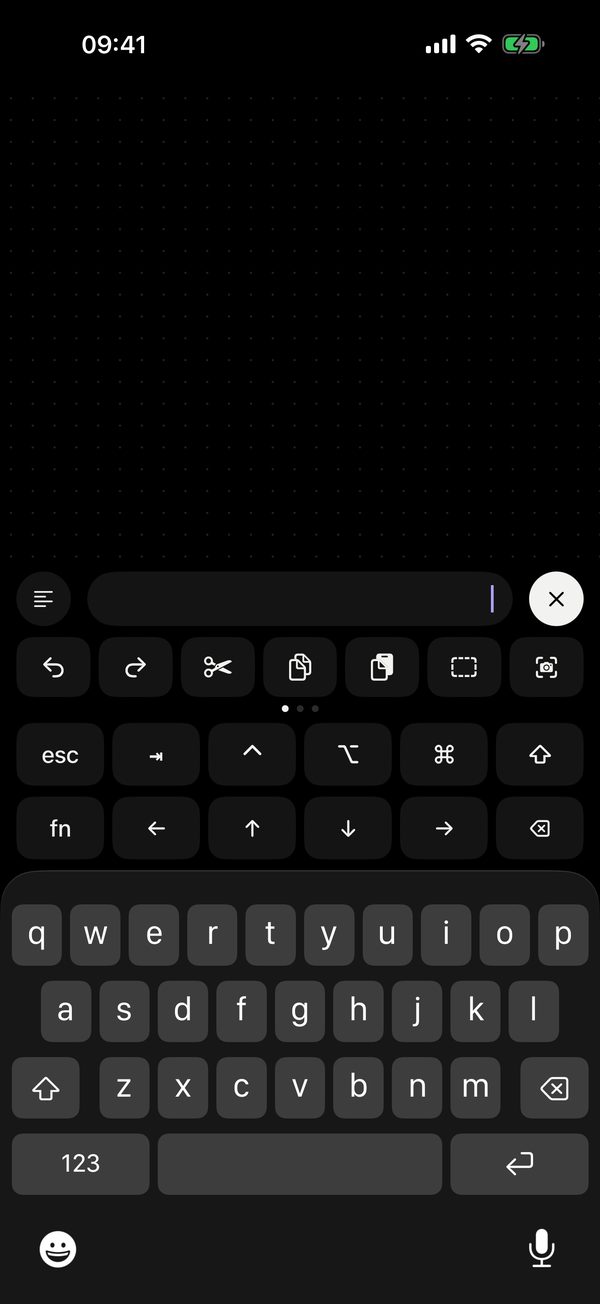
Tap the keyboard icon at the bottom left. Type in any layout or dictate, and the text appears on the Mac right away. Above the keyboard: ⌘ ⌥ ⌃ ⇧, esc, tab, arrows and F1–F12. With Pro, 21 shortcuts on three pages sit next to them: undo, copy, screenshot, tabs, windows.
Text block (Pro) — write a longer text on the phone and send it in one piece. To close the keyboard, tap the cross on the right or swipe down.
Dock and app search
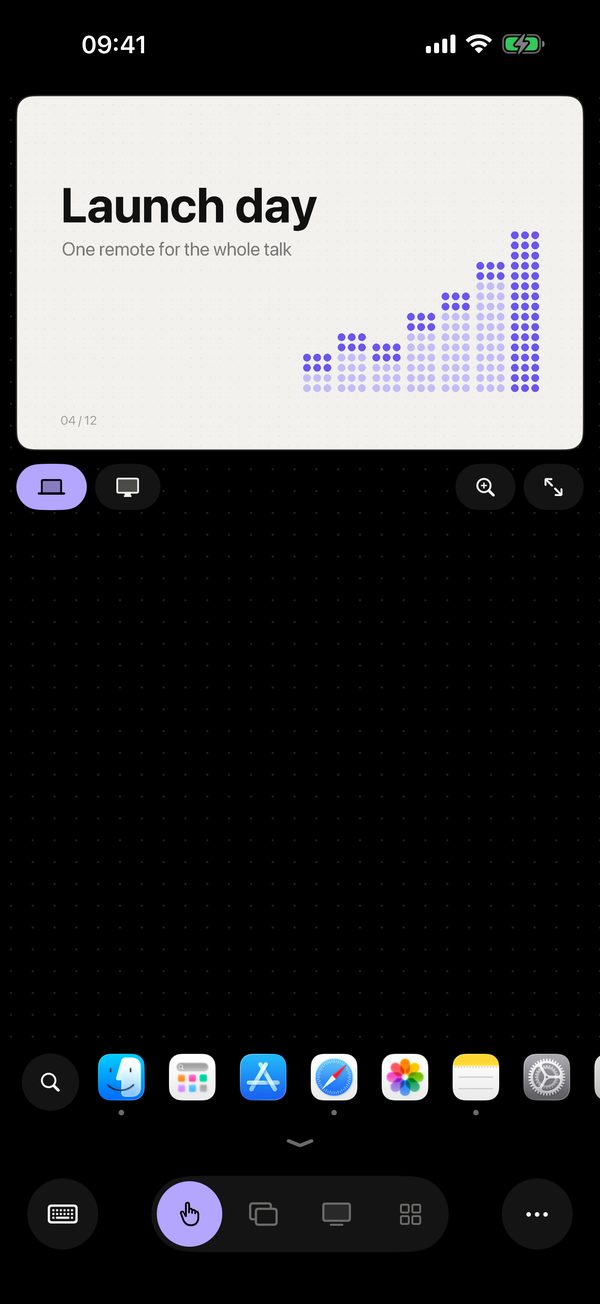
Tap the small arrow above the bar to see your Mac’s pinned and open apps, with their icons. A grey dot sits under running apps, an accent dot under the one in front. Tap to open an app, hold to hide or quit it. Search finds any installed app, even closed ones. The Dock is free.
The Mac’s screen · Pro
Menu “•••” → “Mac screen”: the Mac’s picture assembles from dots right above the trackpad. The magnifier zooms from 1× to 5× around the cursor, and with several displays a switcher picks the one you need. It works over the internet too, with a smaller picture and fewer frames.
Surface only · Pro
Menu “•••” → “Surface only” hides every bar, leaving a clean trackpad. The thin handle at the bottom brings the bar back. Remolo remembers this per mode.
Speed and settings
In settings: cursor speed, acceleration and scroll speed, each with a ↺ reset button. Take gestures from the Mac or make your own; landscape comes with Pro.
Questions
Are the gestures the same as on my MacBook?
Yes. Three- and four-finger gestures are in Pro: by default they come from your Mac’s Trackpad settings and update when you change them there. Or pick Custom — 11 gestures, each with any action, shortcut or app. Scroll direction and three-finger drag follow the Mac too.
The cursor feels jumpy
Remolo smooths motion even when Wi‑Fi delivers packets in bursts. If it still stutters, check that the Mac is not on a guest or crowded network, and move closer to the router.
Will it work with a Mac mini, iMac or Mac Studio?
Yes, with any Mac on macOS 15 or later — MacBook, iMac, Mac mini, Mac Studio or Mac Pro. If the Mac has no trackpad of its own, the phone becomes one.
Zoom does not work in my app
Some apps ignore the pinch gesture. On the Mac, turn on: Remolo Helper settings → Security → “Pinch to zoom with ⌘+ / ⌘−”.