Control music and video on your Mac from iPhone
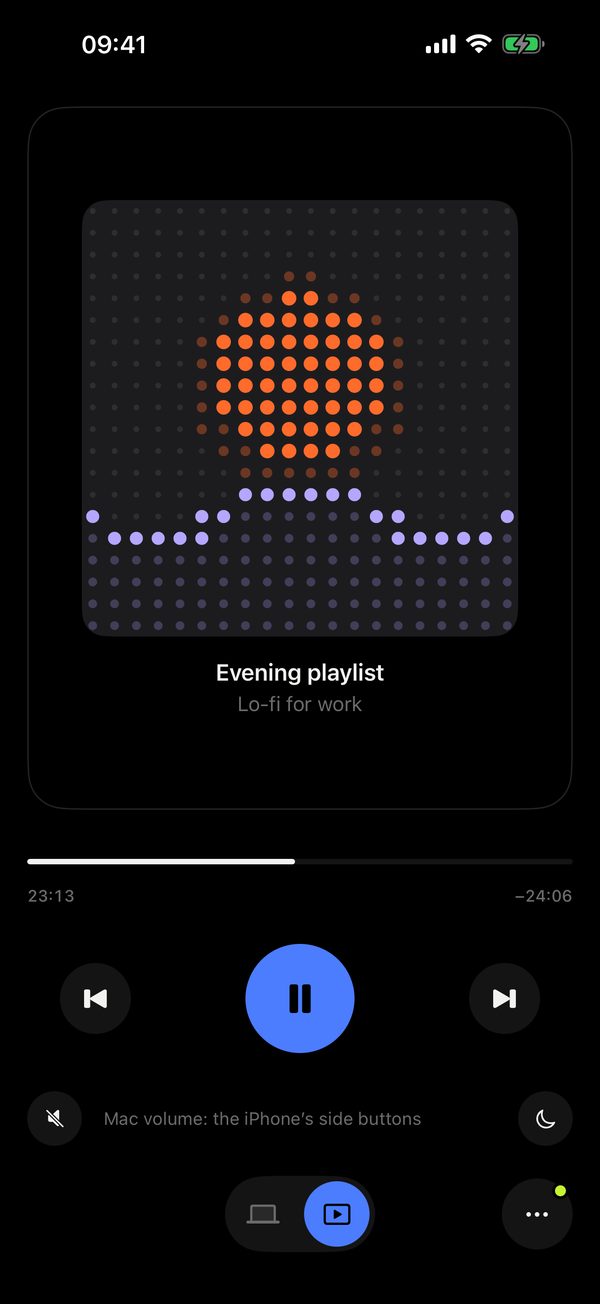
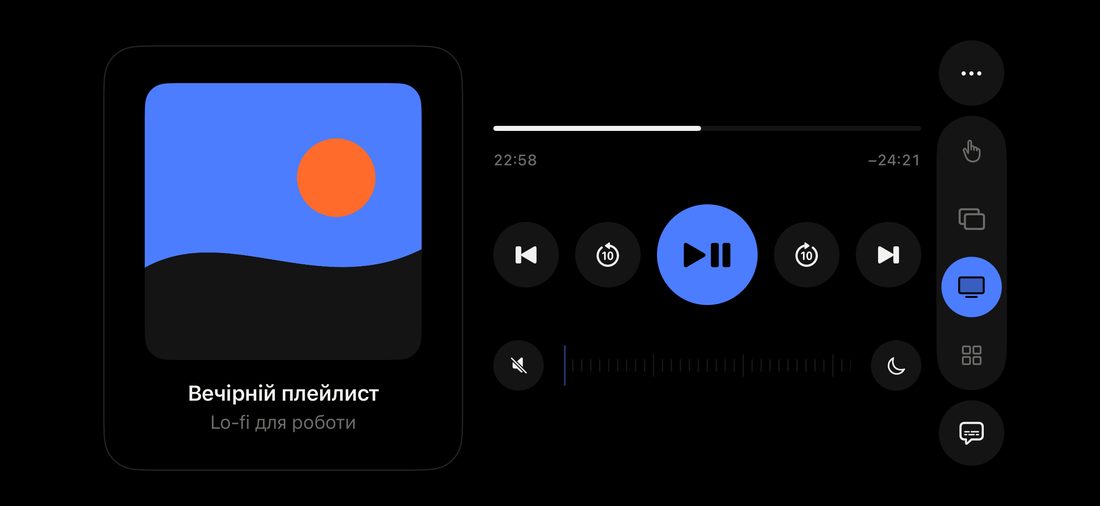
Media in Remolo — a remote desktop app for the Mac, made for touch on iPhone and iPad — controls whatever plays on your Mac, in any app: tap to pause, swipe for ±10 seconds, drag for volume, plus playback speed, subtitles and the Mac’s sound right on your phone. Cover, title and progress come from any player, even YouTube in a browser. Pro adds scrubbing and a sleep timer.
Updated
Gestures
Speed, skip intro, audio track and subtitles
Under the player sit keys that adapt to the app: in YouTube, Netflix or VLC that is slower and faster (the current speed shows on the button), skip intro, audio track and the player’s full screen. A button at the bottom turns on subtitles. Free.
The Mac’s sound on your phone
Want to listen on the phone? Turn on Mac sound next to the Mac’s screen in Remolo, and you hear the Mac’s sound on your iPhone or iPad. Free.
Mac volume
Drag up or down, or press the volume buttons on the side of the iPhone, and the Mac’s volume changes step by step, with the system indicator on the Mac. The speaker button mutes it.
Scrubbing Pro
Drag the progress bar and the film on the Mac jumps right there.
Sleep timer Pro
The moon next to the volume: from 15 minutes to two hours. While it runs, the button shows the time left. At the end the Mac pauses and goes to sleep.
Questions
How do I control music and video on a Mac from an iPhone?
Install Remolo on the iPhone and the free Remolo Helper on the Mac, pair them, and open Tools → Media. Tap to pause, swipe for ±10 seconds, drag up or down for the Mac’s volume. It works at home and from anywhere.
Which apps does it work with?
Pause, skip and volume work everywhere: YouTube, Netflix and any site in a browser, Music, Spotify, QuickTime, IINA, VLC. Cover, title and progress come from the system’s Now Playing — from any player, even YouTube in a browser.
Can I change the playback speed?
Yes: in YouTube, Netflix or VLC the player’s own keys appear under the controls — slower, faster, skip intro, audio track. The current speed shows on the button. Free.
What is free and what is Pro?
Free: pause, ±10 seconds, volume, speed, full screen, subtitles, the cover with the title and the Mac’s sound on your phone. In Pro: scrubbing the progress bar and the sleep timer.
What does the sleep timer do?
After the time you choose, the Mac pauses playback and goes to sleep. The timer lives on the Mac, so it works even if your phone is already locked. It is a Pro feature.
Can I control it without opening Remolo?
Yes: while something plays, pause and skip are on the Lock Screen and in the Dynamic Island. And the Mac keeps its display on while playback runs from the phone.
More in the media remote for Mac guide. The Mac’s screen itself: control your Mac by touch; your own buttons for the player: Buttons; what is free: Remolo Pro.